
Process mapping means drawing how a piece of work actually moves through your business, step by step, with an owner on every step. For a small business, the simplest route is to pick one process you run every week, sketch what really happens today, mark where it stalls, and only then decide what to change or automate. You can do the first version in one sitting with a pen, a whiteboard or a slide.
This guide shows the method, the difference between an as-is and a to-be map, a worked vendor onboarding example, the tools worth using, and how a map tells you which administrative tasks to automate.
TL;DR
- Map one process first, with a clear start trigger and end point. Block 60 to 90 minutes, not a week.
- Draw what happens today (the as-is map), not what should happen. Improve it afterwards on a to-be map.
- A one-page swimlane map, with one lane per role, is enough for most small-business work.
- Simplify the process before you automate it. Automating a messy process only makes the mess faster.
- Singapore funding schemes have changed. Check the official page for the current grant before you budget.
Table of Contents
- What process mapping does for a small business
- Which process to map first
- How to map a business process in six steps
- As-is vs to-be process maps
- Worked example: mapping vendor onboarding
- Spotting bottlenecks on your map
- Deciding what to automate
- Tools and templates that cost little
- Our perspective
- Turn your map into a working app
- FAQ
- Sources
What process mapping does for a small business
A process map is a visual record of who does what, in which order, and what triggers the next step. Salesforce’s small business guide says this clarity helps SMEs spot inefficiencies early, onboard new team members faster, reduce errors through consistent documented steps, and decide what to fix, automate or cut.
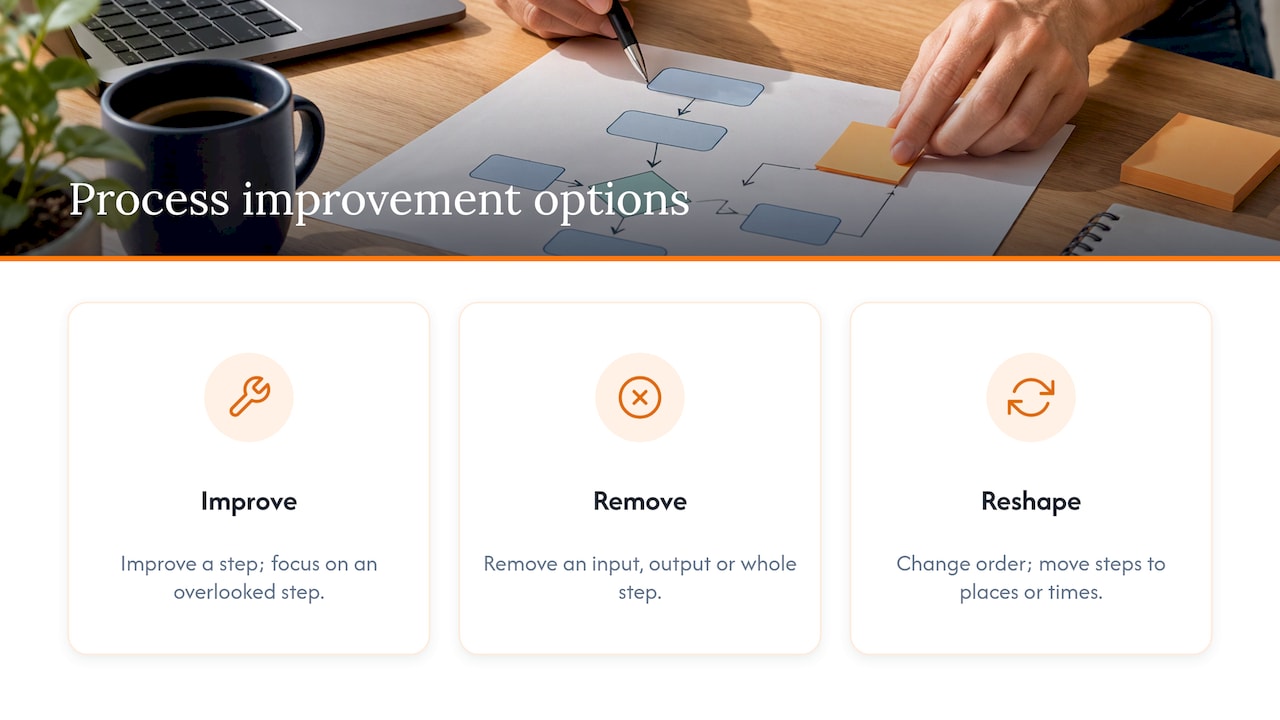
The New Zealand government’s business.govt.nz guidance puts the improvement options plainly. Once the current steps are mapped, you can improve a step, remove an input or output, remove a whole step, focus on an overlooked step, change the order, or let steps happen in new places or at different times.
There is a second benefit that owners feel quickly. Catalyst Outsourcing, a Singapore firm, argues that if a process lives only in your head you cannot truly delegate it. Without a shared map, each team member carries a slightly different version of how things work.
Which process to map first
Do not start with the whole company. Pick one process that is:
- Frequent: it runs every week, so you can check the map against real cases.
- Painful: customers or staff complain, or work gets chased.
- Contained: it has an obvious first trigger and a clear finish.
The Australian government’s National AI Centre guidance recommends a similar first choice: high-volume, a known pain point, data-rich, with clear start and end points. Good candidates in a Singapore SME are quote-to-invoice, customer enquiry follow-up, staff leave and attendance, event registration, and new supplier onboarding.
How to map a business process in six steps
This follows the six-step sequence in the Catalyst Outsourcing guide, which suggests blocking 60 to 90 minutes.
- Name the process and its boundaries. Write the exact trigger that starts it (for example, “customer sends an enquiry on WhatsApp”) and the exact end (“invoice paid”).
- Brain-dump every step. Write each action on its own sticky note or line. Do not worry about order yet.
- Put the steps in sequence. Connect them with arrows.
- Add decision points. Use a diamond for each yes/no question, and label every exit.
- Assign owners. Turn the map into a swimlane, one lane per role.
- Validate with the people who do the work. Only then link written instructions (SOPs) to each step.
A few habits make the difference between a map people use and one that sits in a folder.
- Map what is real, not ideal. Asana’s guide advises showing how the process works today, then improving from there.
- One action per step, and name the role, not the person. SOP Compass recommends this, and notes that swimlanes make hand-offs visible.
- Test with a real case. Walk one normal case and at least two exceptions through the map, and compare it with a recent real case where possible. Affine also suggests confirming the input, readiness rule, channel and next owner at each hand-off.
The symbols you need
You need very little. Catalyst Outsourcing states that six core symbols (oval, rectangle, diamond, arrow, parallelogram and document) plus the swimlane layout cover 95% of small-business work. In practice:
| Symbol | Meaning |
|---|---|
| Oval | Start or end |
| Rectangle | An action |
| Diamond | A decision, with labelled exits |
| Arrow | Direction of flow |
| Parallelogram | Data in or out, such as a form |
| Document | A document or record produced |
As-is vs to-be process maps
The as-is map shows where the process is now, including gaps and issues. The to-be map shows where you want it to be. According to Lucid, stakeholders use the as-is map to develop improvements, then outline them on the to-be map.
Heflo’s comparison sets out when to use each:
| As-is map | To-be map | |
|---|---|---|
| Purpose | Observe and diagnose | Design and set goals |
| Typical use | Audits, compliance, training, root-cause analysis | Redesign, automation planning, digital change |
| Risk if skipped | You miss some current problems | You automate flawed or unnecessary steps |
The order matters. Draw as-is first, mark the pain points, then redraw the same process with the fixes. Adapt Digital adds two practical points for SMEs: pilot the future-state process with a small part of the team before a full rollout, and name a process owner who updates the map at least once a year or after a major change.
Worked example: mapping vendor onboarding
New suppliers are a good test case because they involve approvals, documents and hand-offs between people. Here is how a small business might map it. The steps below are an illustrative example for you to adapt, not a standard.
Trigger: a team member asks to use a new supplier. End: the supplier is approved and can be paid.
As-is, the map often looks like this:
- Requester emails the supplier’s details to the owner.
- Owner replies, sometimes by WhatsApp, to approve.
- Finance asks the supplier for company registration and bank details by email.
- Documents sit in someone’s inbox until the first invoice arrives.
- Finance enters the supplier in the accounting system.
Lay this on a swimlane with lanes for Requester, Owner, Finance and Supplier, and the gaps appear: no one owns chasing missing documents, approval happens in a chat that nobody can find later, and bank details are accepted from an email.
The to-be map might then:
- use one intake form with required fields, so the request starts complete;
- add a decision diamond: is the supplier one-off or recurring, and above or below a spend limit you set?
- give Finance a single checklist of documents, with a named owner for chasing;
- confirm bank details by a separate channel, such as a phone call to a known number, before the first payment;
- store everything in one shared place with a status for each supplier.
That last point is what readers searching for supplier document management or vendor tracking usually need: a single list showing each supplier, which documents are in, and who is waiting on whom. A spreadsheet can do this at first. When requests grow, a small internal app with forms, approvals and reminders does it with less chasing.
Spotting bottlenecks on your map
Once the as-is map is drawn, look for four things:
- Waiting, not working. DigitalEasy’s SME example separates hands-on time from waiting time, rebuilt from dated records. A task that takes 10 minutes of work can sit for days in a queue.
- Hand-offs. Every arrow that crosses a lane is a place where work can be lost.
- Loops. Rework arrows going backwards show where errors are caught late.
- Single points of failure. One person holds the approval or the knowledge.
Record, for each step, the action, the responsible person or system, inputs, outputs and usual time. That is the data set recommended in the National AI Centre guidance above. If you want a spreadsheet-based way to do this, we cover it in how managers can identify process bottlenecks in an afternoon.
Deciding what to automate
A map turns “we should automate something” into a short, evidenced list. Singapore-based Temasys recommends documenting the current process honestly, finding root causes, simplifying, then automating, with success measures set before you start. It suggests prioritising stable, high-volume processes and keeping people involved in exceptions and judgement calls.
Pericent makes the same cut: automate activities that are repetitive, rule-based and predictable, and keep staff where judgement is needed.
A simple filter for each step on your map:
- Does it follow the same rule every time? If yes, it is a candidate.
- Does it happen often? If yes, the saving is worth having.
- Is the step itself needed? If not, remove it before anything else.
- Does it need a person’s judgement? Keep the person, and let software prepare the information.
Typical results are reminders instead of chasing, forms instead of emails, status views instead of “where is this?” messages, and approvals that route themselves. Our page on SME business automation in Singapore shows what this looks like in practice.
Tools and templates that cost little
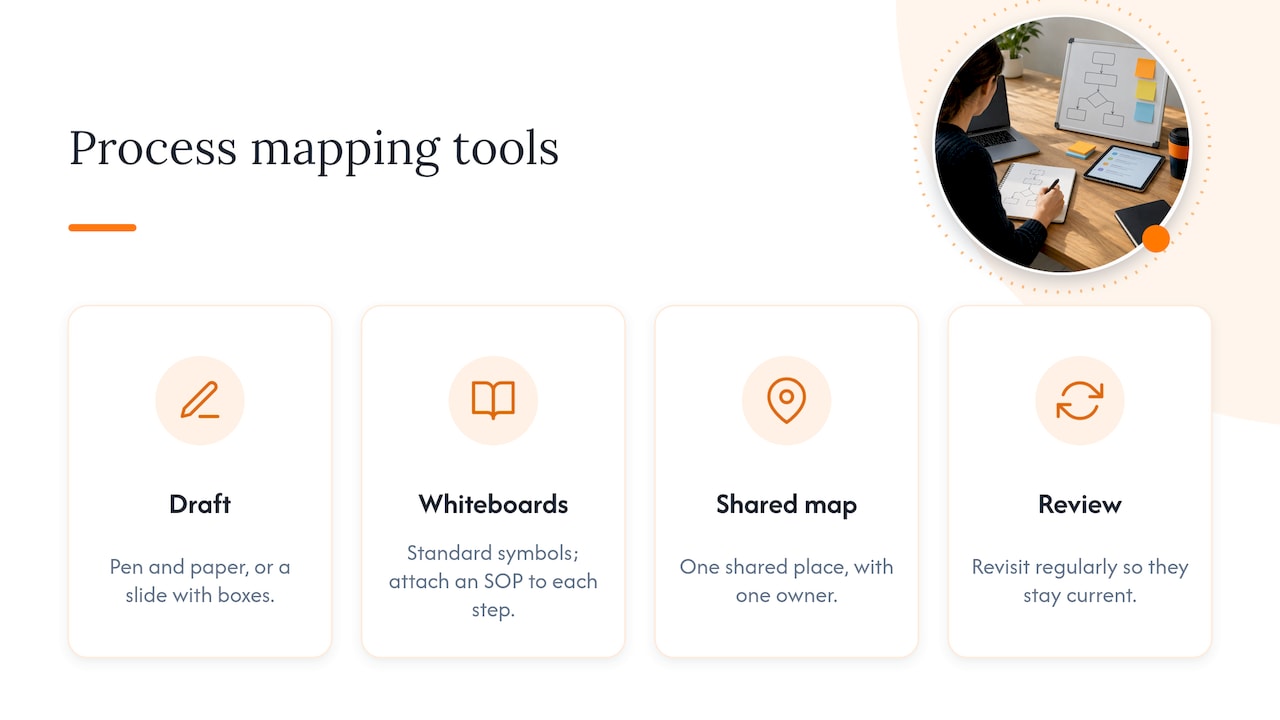
Start cheap. Catalyst Outsourcing says a pen and paper, or a slide with boxes, works for a first draft, and that the tool matters far less than clear boundaries and accurate steps. Miro, Lucidchart, Canva whiteboards and ClickUp whiteboards give you the standard symbols and let you attach an SOP to each step.
Keep the map in one shared place, with one owner. Xero’s guidance for Singapore small businesses says documented processes support consistent results and easier training, and recommends revisiting them regularly so they stay current.
Singapore funding for the build stage
If mapping leads to software, check current support first. Enterprise Singapore’s PSG page states that the EDG, MRA and PSG ceased on 29 September 2026, and that from 30 September businesses apply under the EDGE Grant. The Business Times reported in March 2026 that the consolidated grant supports Singapore-registered businesses with up to S$100,000 a year for eligible activities. Confirm eligibility and current terms on the official page before you plan around it.
Our perspective
We start every project with the workflow, not the software. Most small businesses that come to us do not need a brief or a diagram. They need someone to listen to how work really runs, then say plainly what the simplest suitable solution is.
That is why we look at ready-made products first, then an adapted product, and only then a custom build. A process map makes that choice easy. If your map shows a standard queue, a point-of-sale flow or a lead follow-up, a product we already have may fit with light changes, which is usually the lowest entry cost. If your map shows something truly specific, such as a supplier approval chain with your own rules, we build it with a clear scope.
Our complimentary app fit review is built around this. We help you see the most economical route and the likely cost direction before development starts, without jargon or pressure, and we keep what you share confidential.
Ronald
Turn your map into a working app
If you have a map with two or three clear pain points, we can review it with you. We look at your workflow first, then recommend a ready product, an adapted one or a custom build, whichever is simplest and most cost-conscious for you. Our internal tools development page explains how bespoke tools for approvals and tracking are built.

If your bottleneck is customer-facing, see how our products handle common flows: QueueFlow for queues, LeadsFlow for giving every enquiry an owner and a next move, and POSFlow for sales. You can also try the product demos ↗ or talk to us about an app fit review ↗.
FAQ
How long does it take to map a small business process?
A first draft of one process takes about 60 to 90 minutes, according to Catalyst Outsourcing’s guide. Allow extra time to check it with the people who do the work, because that is where missing steps and exceptions show up.
What is the difference between as-is and to-be?
An as-is map records how work happens today, including problems. A to-be map shows the improved version you want. Draw as-is first so that your redesign fixes real issues rather than imagined ones.
Do I need special software?
No. Pen and paper or a slide is enough for a first draft. Tools such as Miro or Lucidchart help once you want to share, edit and link the map to written procedures.
Should I fix a process before automating it?
Yes. Simplify and remove unnecessary steps first, then automate the stable, repetitive, rule-based parts. Keep people in charge of exceptions and judgement calls.
How often should I update the map?
Adapt Digital recommends a named owner and an update at least annually, or after a significant change in the organisation. Update it sooner if a step changes, such as a new approval rule or a new system.
Sources
- What is Business Process Mapping and What Tools Do You Need? (Salesforce)
- Process mapping (Business.govt.nz)
- Business Process Mapping: Guide, Symbols & Example (Catalyst Outsourcing)
- Map your processes (National AI Centre)
- What Is Process Mapping? (Asana)
- Process Mapping: How to Map a Business Process (SOP Compass)
- Business Process Mapping: Steps, Symbols, Examples (Affine)
- Documenting and Analyzing Your As-Is Process (Lucid)
- Business Process Mapping: Examples, Templates (Heflo)
- How to create a business process map for SMEs (Adapt Digital)
- Process mapping: method and example for an SME (DigitalEasy)
- What Happens When You Automate the Wrong Processes? (Temasys)
- From Process Mapping to Automation (Pericent)
- Business process optimization for your small business (Xero)
- Productivity Solutions Grant (Enterprise Singapore)
- Budget 2026: New consolidated Edge grant (The Business Times)