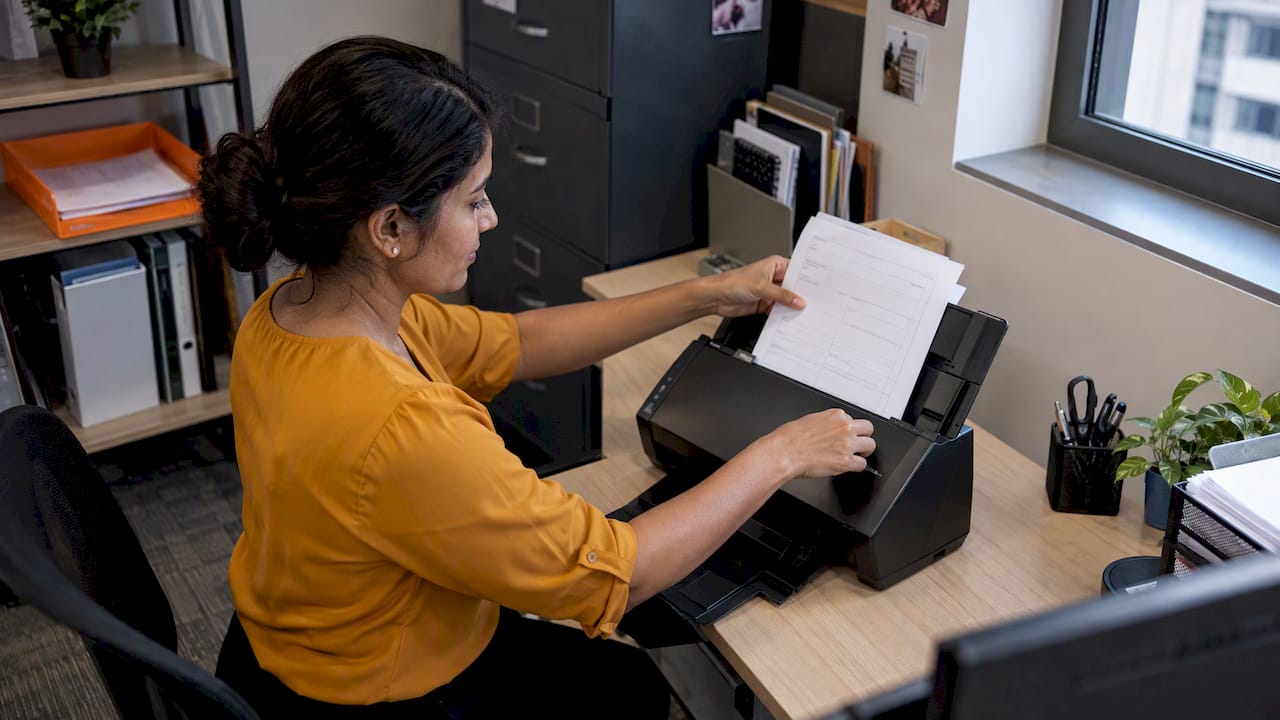
Moving from paper to a digital workflow means more than scanning forms. You take one process that runs on paper, such as job sheets, leave forms, order slips or sign-in books, and rebuild it so the information is captured once, routed to the right person and stored where you can find it. The sensible way to do this is one process at a time, starting with the one that wastes the most hours.
This guide walks through how to choose that process, measure it, pick between ready-made, adapted and custom tools, keep records secure under Singapore rules, and check whether the change worked.
TL;DR
- Start with one painful paper process, not the whole office. Measure its time, errors and storage cost before you change anything.
- Digitising a task (a scanned invoice) is different from redesigning the workflow around it. The gains come from the second.
- Try the simplest suitable route first: an existing product, then an adapted one, and a custom build only when the workflow really is unusual.
- In Singapore, electronic records and signatures can satisfy paper-based requirements under the Electronic Transactions Act, and the PDPA still requires reasonable security for personal data.
- Pilot with a small group, train staff, then review results against the numbers you measured at the start.
Table of Contents
- What a paper-to-digital workflow actually involves
- Which processes to digitise first
- Measure the paper process before you change it
- Digitising paper forms and capturing data accurately
- Choosing tools: ready-made, adapted or custom
- Our perspective
- Keep records secure, legal and easy to find
- Roll it out in steps your team will follow
- Measure whether it worked
- Support for Singapore SMEs
- How FlowLab can help
- FAQ
- Sources
What a paper-to-digital workflow actually involves
Two ideas get mixed up. Digitisation converts an analogue item into digital form, such as a paper invoice becoming a PDF. Digital transformation goes further and rethinks workflows, decisions and customer experience across the business, as Xero’s Singapore guide to digitisation strategy puts it.
For a small business, the useful middle ground is a digital workflow: a defined sequence where a request, form or record moves from the person who creates it to the people who approve, act on or store it, without someone retyping it or carrying a sheet across the room.
A typical paper workflow has the same weak points:
- Handwritten capture. Someone fills in a form. Handwriting is misread later.
- Re-entry. A second person types the form into a spreadsheet or accounting system.
- Physical routing. The form waits in a tray for a manager’s signature.
- Filing. The original goes into a cabinet, and finding it later takes minutes or hours.
A digital workflow removes the re-entry and the waiting. The form is filled in on a phone, tablet or browser, the data lands in a structured record, the approver is notified, and the result is searchable.
Which processes to digitise first
Do not begin with the process that looks most impressive. Begin with the one that has high volume, repeated hand-copying and someone regularly waiting on someone else. For most Singapore SMEs that points to a short list:
| Paper process | Typical pain | Digital version |
|---|---|---|
| Customer or visitor sign-in | Illegible entries, no follow-up data | Digital check-in or queue ticket |
| Order slips and price lists | Wrong prices quoted, slow lookups | Shared product and price lookup |
| Event or class registration | Retyping names, last-minute lists | Online registration with check-in |
| Staff attendance and leave | Manual tallying at month end | Clock-in records and leave requests |
| Enquiry and lead notes | Business cards and notebooks lost | Central lead tracker with status |
| Supplier invoices and receipts | Boxes of paper, late bookkeeping | Photo capture and matching to bank feeds |
| Job sheets and delivery orders | Sheets lost, no status visibility | Mobile forms feeding one job list |
Two questions help you rank them. First, how many hours a week do people spend copying, chasing or searching for this paper? Second, what does a mistake cost: a wrong price, a missed follow-up, a payroll error? The process with the highest answers to both goes first.
Measure the paper process before you change it
Many projects skip this step and later cannot say whether anything improved. A 2025 Singapore conference paper on paper-to-digital improvement treats the move as a DMAIC cycle: define scope and objectives, measure process time, errors and storage, analyse root causes, improve through electronic data capture and workflow automation, then control performance with KPIs and audits.
You do not need a Six Sigma team to borrow that shape. For one process, take a week and record:
- Process time. From the moment the paper is created to the moment the outcome is complete, including the waiting.
- Manual-entry errors. How many forms needed correcting, and what each correction cost in time.
- Storage and retrieval cost. Cabinet space, printing, and the minutes spent finding old records.
- Who is waiting. Which person or customer is blocked while the paper travels.
The Ceptiv guide to digitising manual processes suggests tracing where information comes from, which systems or papers are used, what gets copied, what goes wrong and who is waiting. That works well as a walk-through: follow one real form from start to finish and note every handoff.
Then write down two or three goals in plain numbers. For example: “cut check-in time at the front desk”, “stop re-keying the registration list”, “find any signed form within a minute”. Keep them small and measurable. They become the scorecard later.
Digitising paper forms and capturing data accurately
A form is the most common starting point, and the main decision is whether the data is captured digitally at source or scanned afterwards.
Capture at source (a web or mobile form) is almost always better. Fields can be required, dropdowns prevent spelling variations, dates and numbers are validated, and the data arrives structured. Nobody has to decipher handwriting.
Scan and extract suits paper you cannot control, such as supplier invoices and receipts. Xero Singapore’s Hubdoc document capture page describes a sensible pattern for this: photograph or forward the receipt or bill, review the extracted details, keep the original alongside the record, match it against bank transactions and flag duplicates. The principle applies to any tool: a person still reviews extracted data, and the original stays linked to the record.
Some practical rules when you redesign a form:
- Ask only for what the next step needs. Every extra field is an extra chance of error and, if it is personal data, an extra thing to protect.
- Use fixed choices wherever the answer comes from a short list.
- Make the form work on a phone, because that is where your staff and customers will use it.
- Decide in advance where the submission goes: one inbox, one database, one named owner.
- Keep the paper form running in parallel for a short pilot only, then retire it. Two systems indefinitely means double work.
The Singapore public service solved exactly this problem. FormSG began after staff at a government office reported tens of hours of manual data entry, and its design sent submissions to secure government email without storing the data on the platform, according to the Civil Service College write-up on FormSG. The lesson is useful for any business: it started with one painful manual-entry problem, handled the data-security worry in its design, and spread because colleagues saw it working.
Choosing tools: ready-made, adapted or custom
There are three routes, and the cheapest suitable one is usually the right one.
| Route | Best when | Trade-off |
|---|---|---|
| Ready-made product | Your process is common (point of sale, queues, registration, attendance) | Fastest to start, you adjust to the product |
| Adapted product | A ready-made product covers about 80% of the need | Scoped changes to fit your workflow, still far less than a new build |
| Custom build | The workflow is distinctive, or connects several systems in an unusual way | Highest effort, most control |
The IMDA pre-approval guide for document management gives a useful checklist for what a records tool should do. It lists cloud or web access, synchronised documents, capture from paper, email and business applications, permissions, search, audit trails, backups, version control and collaboration, with OCR search as a preferred capability. You do not need every item for a three-person firm, but permissions, search, backups and an audit trail are worth insisting on.
If your workflow touches invoicing, look at what already exists on the national rails. IRAS says InvoiceNow lets purchase orders flow system to system and become e-invoices, which reduces data entry and improves matching of invoices to orders. For inventory-heavy businesses, our note on checking InvoiceNow first when choosing inventory software covers the practical side.
When comparing options, ask each vendor the same five questions:
- Can you show my actual process running, not a generic demo?
- Where is the data stored, and who can see it?
- What does it cost to set up, and what recurs every month or year?
- Can I export all my records if I leave?
- What happens when my process changes next year?
If a vendor cannot answer the fifth question simply, the tool may be rigid. Our article on when custom software pays off for SMEs goes through the cases where a bespoke build is worth the cost and where it is not.
Our perspective
We built FlowLab around one habit: understand the workflow before talking about software. Most small business owners who contact us do not have a technical brief. They have a stack of paper, a spreadsheet that only one person understands, and a feeling that something takes too long.
So we start with a workflow review. We look at who does what, where the paper goes, what gets copied and where it goes wrong. Only then do we say which route fits: a ready-made product, an adapted one or a custom build. In our experience the answer is more often a ready-made or adapted product than a new build, and saying so early saves owners money.
Three things we would tell any SME owner before they start:
- Do not buy software to fix a process nobody has described. Draw the process first, even on a whiteboard.
- Ask about total cost before development begins. A clear scope and an early cost direction matter more than a low headline number.
- Keep the first project small enough to finish. A working check-in or registration flow that staff actually use beats an ambitious system that stalls.
We also treat what you tell us as confidential. Your pricing, your suppliers and your customer lists are your business, not material for a sales pitch.
— Ronald
Keep records secure, legal and easy to find
Going paperless raises two sensible questions: will a digital record be accepted, and is it safe?
Legal recognition. Singapore’s Electronic Transactions Act gives legal recognition to electronic records and signatures, and they can fulfil paper-based requirements when specified conditions are met, subject to some exclusions, as described in IMDA’s consultation paper on reviewing the Act. Exclusions exist, so for documents such as certain wills, powers of attorney or property instruments, ask your lawyer before dropping the paper original. Your accountant can confirm how long you must keep financial records.
Personal data. Forms collect names, NRIC details, phone numbers and email addresses, so the Personal Data Protection Act applies. Organisations must make reasonable security arrangements to protect personal data from unauthorised access, collection, use, disclosure and similar risks. The PDPC’s own material says compliance covers technical measures such as encryption and access controls, administrative measures such as confidentiality policies, and staff training.
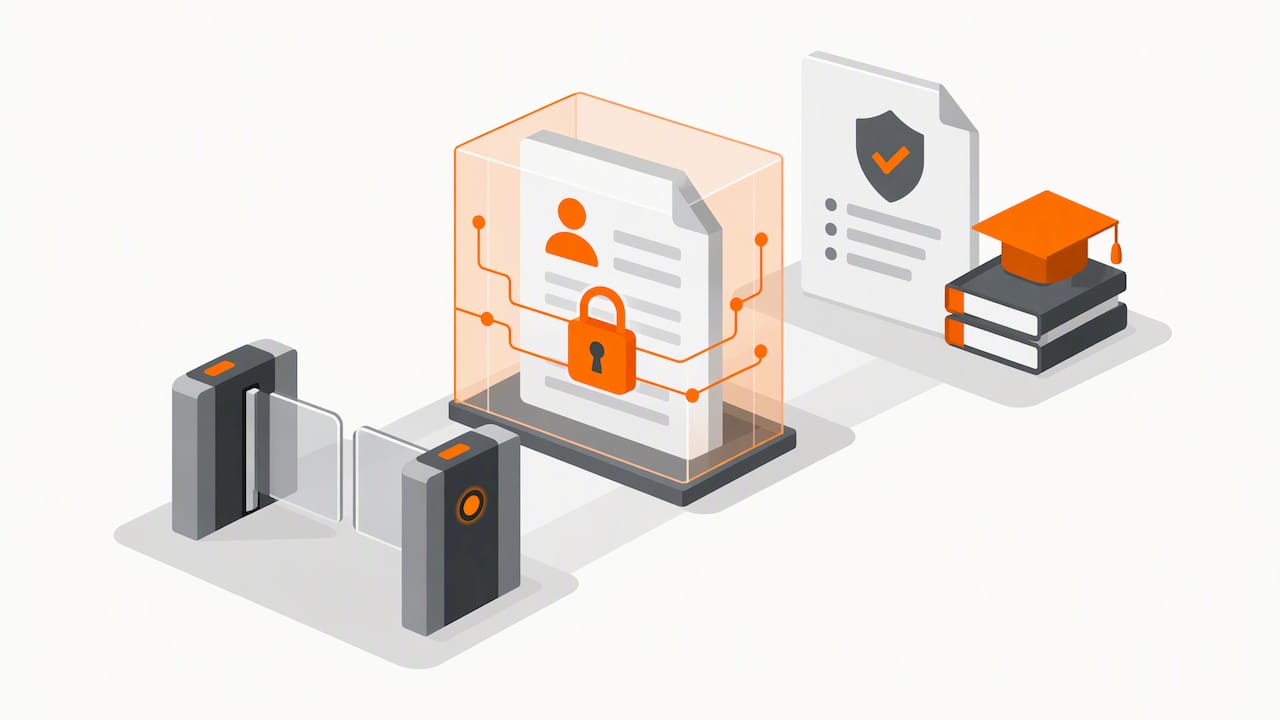
The human side is often the weak point. In the Watami case, the PDPC found that poor oversight, failure to monitor data exposure and lack of staff training contributed to a breach. A shared login, an unprotected spreadsheet link or a former employee who still has access can undo a good system.
In practice, for a small business:
- Give each person their own login, with access limited to what their job needs.
- Turn on multi-factor sign-in wherever the tool offers it.
- Keep backups and test that you can restore from them.
- Remove access the day someone leaves.
- Keep a short written rule on who may export or share records.
We cover this in more depth in our practical security guide for small business apps.
Roll it out in steps your team will follow
The Singapore paper cited earlier describes the rollout as: map and measure current workflows, reengineer them, pilot electronic data capture and automated workflows, train staff, and monitor KPIs through audits and continuous improvement. In plain terms:
- Pick one process and one owner. Someone must be responsible for the result, not just the software.
- Map and measure. Use the week of baseline numbers described above.
- Redesign before you digitise. Remove steps that exist only because of paper, such as a second signature nobody reads.
- Pilot with a small group. One team, one location or one product line, for a few weeks.
- Train for the actual task. A 20-minute walk-through on the real form beats a long manual. Show the shortcut, and show what to do when the Wi-Fi drops.
- Retire the paper. Set a date, announce it, and stop accepting the old form.
- Review against your baseline. Compare time, errors and retrieval with the numbers you recorded.
Common problems are predictable. Staff keep a private paper notebook “just in case”. The new form copies every field of the old one, so it is no faster. Nobody owns the data, so it fills with duplicates. A tool is chosen before the process is understood. Each is avoided by the steps above, especially the owner, the pilot and the retirement date.
For a way of thinking about continuous measurement and improvement as workflows get more automated, this practical guide to agentic workflows offers a framework you can adapt for reviewing a project after launch.
Measure whether it worked
Return to the goals you wrote down. A simple review at 30 and 90 days is enough for most SMEs:
| Measure | Before | After pilot |
|---|---|---|
| Time from request to completion | Baseline from week one | Same measurement |
| Forms needing correction | Count | Count |
| Minutes to find a past record | Sample five lookups | Sample five lookups |
| Paper, printing and storage cost | Monthly figure | Monthly figure |
| Staff and customer feedback | Short question | Same question |
Set up the numbers honestly. If time barely changed but errors fell, that is still a result, and it tells you what to fix next. Treat the review as the “control” step in the improvement cycle: the workflow is never finished, it just gets reviewed on a schedule.
Support for Singapore SMEs
The government supports SME digitalisation through IMDA and Enterprise Singapore under the SMEs Go Digital programme, which includes funding support such as the Productivity Solutions Grant for pre-approved digital solutions. Grant schemes change their scope, caps and application windows, so check the official pages before you plan a budget around one. Our notes on PSG eligibility checks before payment and what changed with the EDG grant for software explain the order of steps so you do not pay for something that later turns out to be ineligible.
How FlowLab can help
If you have a paper process and are not sure whether you need a product, an adaptation or a custom app, our free app fit review is the place to start. We look at the workflow first, tell you the simplest suitable route and give you an early direction on cost before any development begins, without technical jargon or pressure to commit.

Many paper processes already match one of our products: POSFlow for sales, QueueFlow for queues and check-in, EventFlow for registration, PriceFlow for product and price answers at the counter, and LeadsFlow for lead tracking. For attendance, see why PresenceFlow comes first for SMEs. If your process is different, we adapt a product or build a custom tool through our workflow automation services for SMEs. You can also try the product demos ↗ or talk to us about your workflow ↗.
FAQ
Where should a small business start when going paperless?
Start with one process that is high in volume and heavy on re-typing, such as registration, check-in, order slips or attendance. Measure how long it takes and how many errors it produces today. Then fix that single process and use the result to decide what comes next.
Do digital forms and signatures count legally in Singapore?
Often yes. The Electronic Transactions Act recognises electronic records and signatures, and they can meet paper-based requirements when conditions are met, with some exclusions. For a specific document type, confirm with your lawyer, and check retention periods with your accountant.
Is scanning old paper records enough?
Scanning preserves the paper but does not change the workflow. Scanned files still need naming, permissions, search and backups, and they do not capture new information in structured form. Treat scanning as archive clean-up, and build digital capture for new forms.
How do we keep customer data safe once forms are online?
Collect only the fields you need, give each staff member their own login with limited access, and remove access when people leave. The PDPA requires reasonable security arrangements for personal data, and staff training counts as part of that. For a deeper checklist, see our security guide for small business apps.
Do we need a custom app to replace paper forms?
Not usually. If your process is common, a ready-made or adapted product is often quicker and more economical. A custom build makes sense when your workflow is unusual or must connect several systems in a specific way. A workflow review will tell you which applies.
Sources
- Xero Singapore: How to build a digital transformation strategy
- Reducing Waste and Boosting Efficiency: A DMAIC Approach (IEOM Singapore 2025)
- Ceptiv: Digitise manual processes, find the hours first
- Xero Singapore: Hubdoc smart document capture
- Civil Service College: FormSG, from idea to hit platform in a year
- IMDA Pre-Approval Guide: Document Management and Mobile Access System
- IRAS: Feature enhancements on InvoiceNow
- IMDA: Consultation on the review of the Electronic Transactions Act
- PDPC: Overview of data protection provisions
- PDPC: Data protection obligations
- PDPC: Watami Food Service decision
- IMDA: Stay Healthy, Go Digital